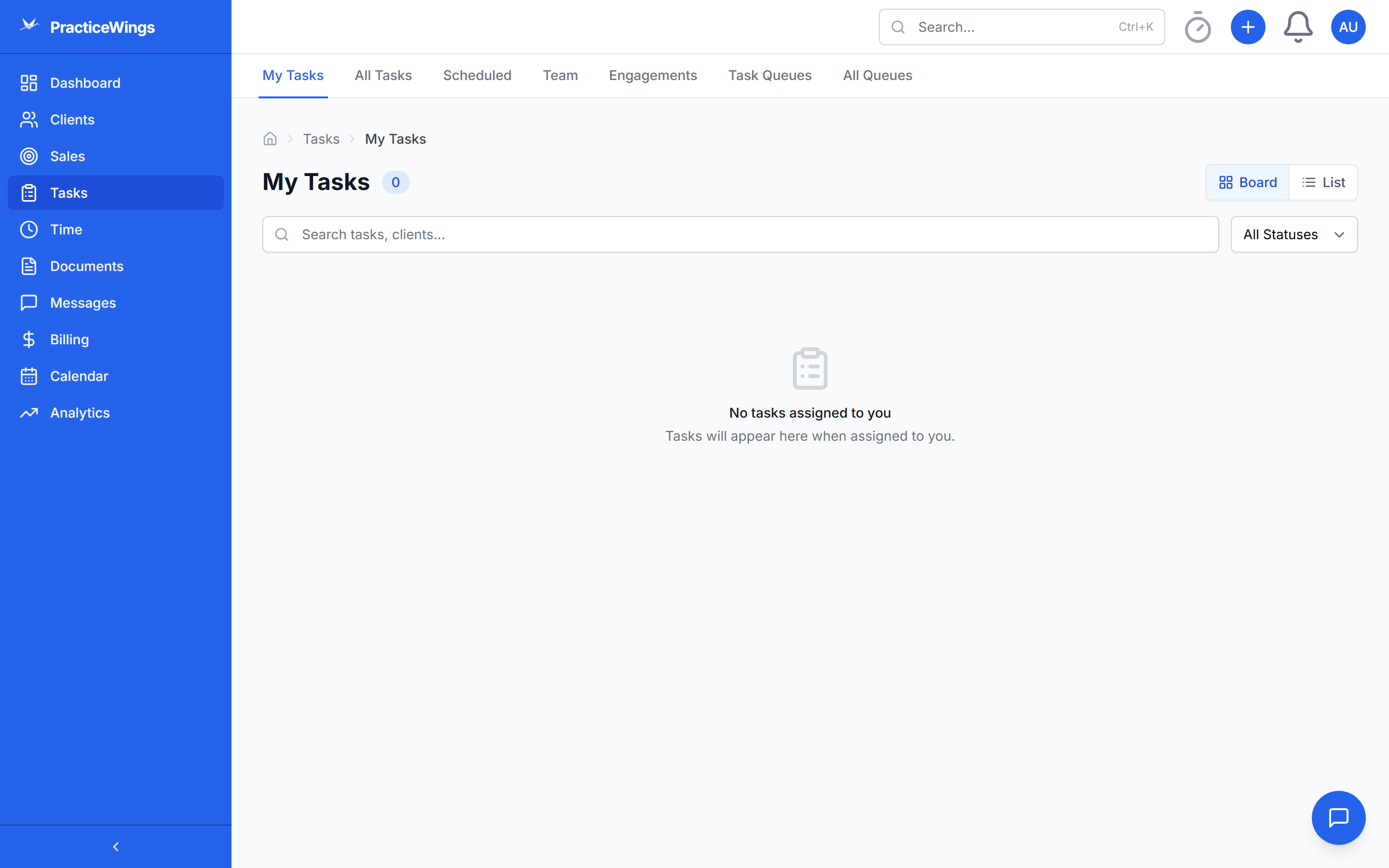
Most practice management tools treat tasks as simple to-do lists. PracticeWings understands that real firm work has dependencies, conditional logic, and routing rules that matter.
Directed Acyclic Graph engine that models real firm workflows. Review can't start until prep is done. Partner sign-off requires completed review. Decision nodes branch the workflow based on conditions — like routing a complex return through additional review steps.
Staff self-assign from team pools. Auto-routing considers prior-year assignments, skills, capacity, and office location. Managers see workload distribution at a glance. No more manual task assignment spreadsheets.
Define up to 20 statuses at the organization level with 14 color options. Control which statuses appear on the Kanban board. System defaults (planned, in_progress, completed) can't be deleted, but you can add whatever your firm needs.
Create multi-step workflow templates with dependencies, estimated hours, and assigned roles. Templates for 1040 preparation, corporate returns, advisory engagements, and more. Apply a template and the full task graph is generated instantly.
Automatically generate tasks on recurring schedules — monthly bookkeeping, quarterly estimates, annual returns. Define the pattern once, and PracticeWings creates the work items with correct dates and assignments.
Create and save custom filtered views of your task list. Filter by assignee, status, client, due date, work type, office, and more. Share views with your team or keep them private. Switch between views instantly.
Most practice management tools treat tasks as simple checkboxes. But tax and accounting work has inherent structure — prep must happen before review, review before partner sign-off, and certain conditions change the path entirely. PracticeWings respects that structure instead of forcing you to work around it.
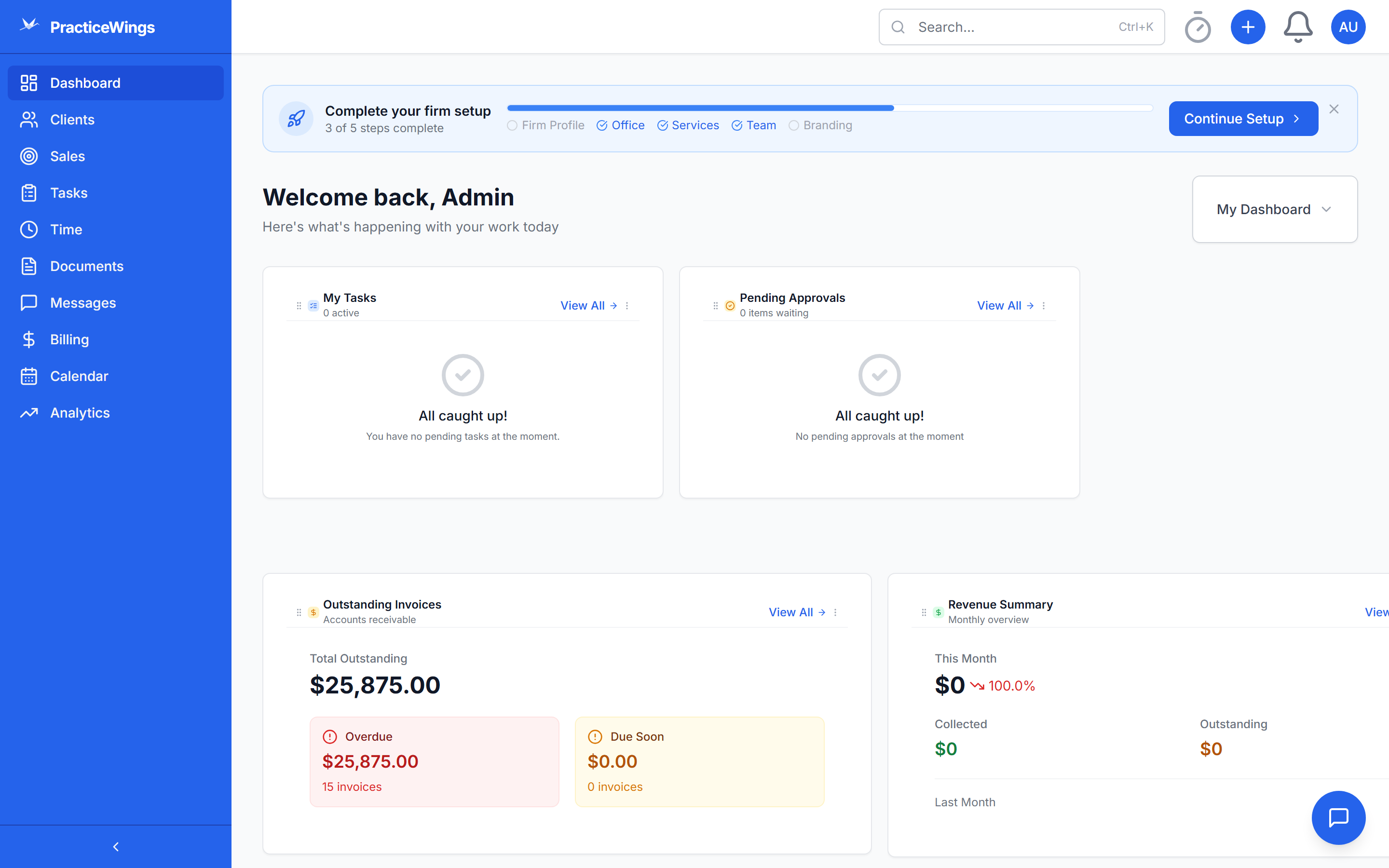
Request beta access and experience workflows that actually match how your firm works.
Request Beta Access