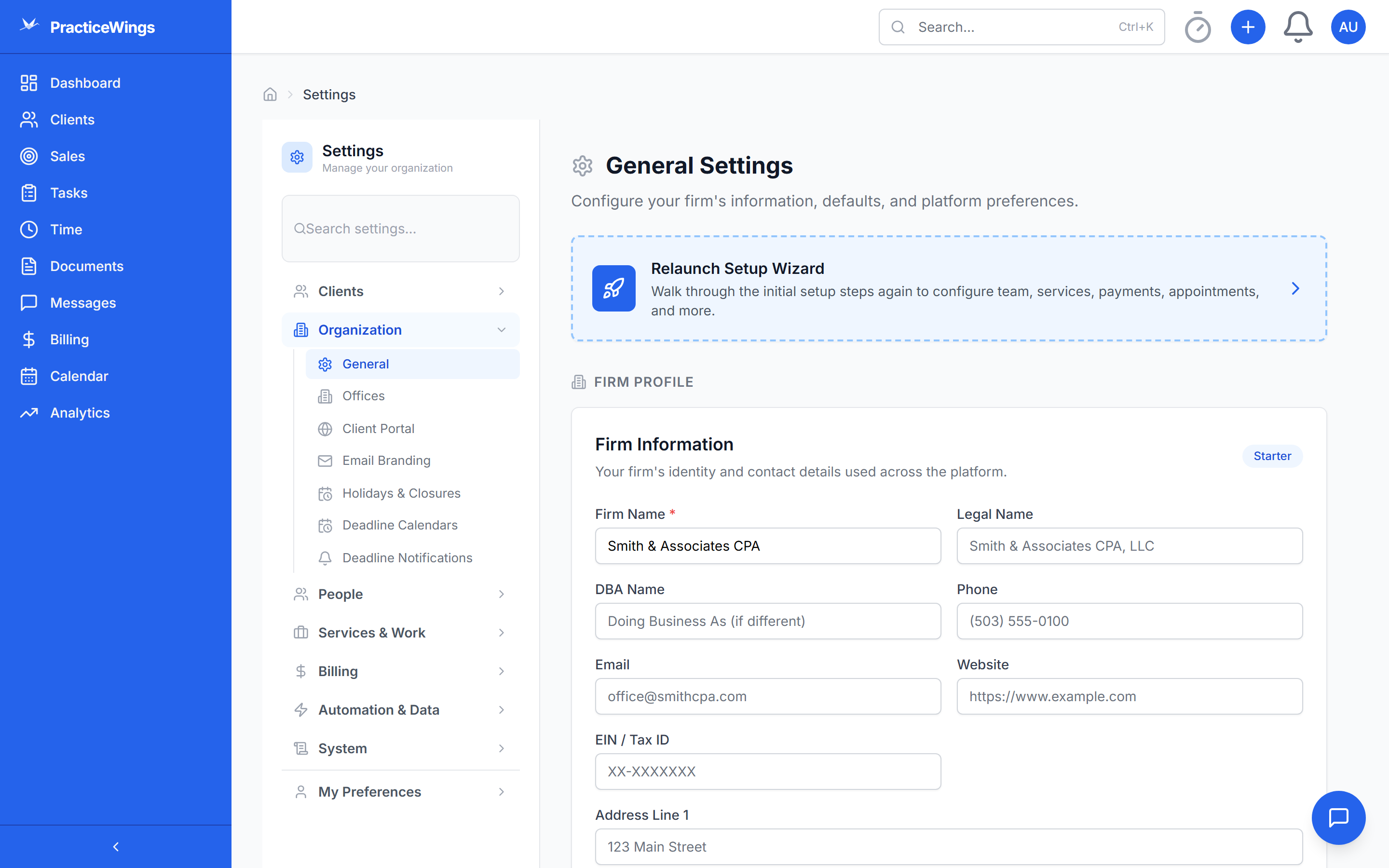
PracticeWings is built API-first. Every feature available in the UI is available through the API. Connect your existing tools or build custom workflows on top of the platform.
The accounting profession runs on a patchwork of disconnected tools. It doesn't have to be that way.
Most practice management tools are closed systems. They store your data behind walls with no real way to get it out or connect it to anything else. When they say "integrations," they usually mean a CSV export you can run manually, or a basic Zapier connection that breaks every time they push an update.
The average accounting firm uses 5 to 10 separate tools: tax preparation software, document storage, email, calendars, billing and invoicing, CRM, client portals, and project management. Each one has its own login, its own data format, and its own way of doing things. None of them talk to each other in any meaningful way.
The real cost isn't the subscription fees — it's the staff time spent on manual data entry between systems. Typing the same client information into three different platforms. Copy-pasting engagement details from email into your task tracker. Manually reconciling invoices against your billing software. Every manual step is a chance for an error, a missed deadline, or a dropped ball.
PracticeWings was built differently. We started with a full REST API on day one — not as an afterthought bolted on for enterprise customers. Every feature you see in the UI uses the same API that's available to you. That means native integrations with email (SendGrid + Microsoft 365), SMS (Twilio), payments (Stripe Connect), and calendar sync actually work, because they're built on the same foundation your team uses every day.
60+ API modules covering every feature in the platform. JWT authentication, consistent response formats, and comprehensive documentation. Available on every plan — no API access upcharge.
Transactional email through SendGrid for notifications, reminders, and sequences. Microsoft 365 integration with folder sync for connecting your firm's email directly to client records.
Send appointment reminders, deadline notifications, and custom messages via SMS. Twilio integration handles delivery, tracking, and compliance.
Accept payments through your own Stripe account via Stripe Connect. Clients pay through invoices or the portal. Full payment reconciliation, refund support, and CC surcharge handling.
Sync appointments and availability with Microsoft calendars. Two-way sync keeps your calendar up-to-date whether you book through PracticeWings or your calendar app.
Subscribe to events across the platform — new clients, completed tasks, payments received, documents signed. Build custom automations by reacting to events in real-time.
Real integration scenarios that firms are using today — not theoretical features on a roadmap.
When a client's tax return is ready for review in your tax software, automatically create a review task in PracticeWings with the right assignee, deadline, and priority. No more "did someone create a task for this?" conversations.
Keep client information consistent across your tools. When you update a client's address or add a new entity in PracticeWings, push that change to your tax software, billing system, and CRM automatically through the API.
Pull data from PracticeWings into your own reporting tools. Build partner dashboards in Retool, feed metrics into Power BI, or create custom executive views that combine practice data with financial data from other systems.
Subscribe to webhooks for task completions, new client signups, overdue invoices, or document signatures. Route notifications to the right Slack channel or Teams group so your team stays informed without checking another app.
Full API access from day one. No waiting for enterprise tier. No per-call charges.
Request Beta Access